

Introduction
Most fixed asset accounting software evaluations go wrong before the first demo by comparing tools from different categories as if they answered the same problem. Choosing the best fixed asset accounting software or the best fixed asset accounting solution starts with understanding those differences rather than comparing features alone.
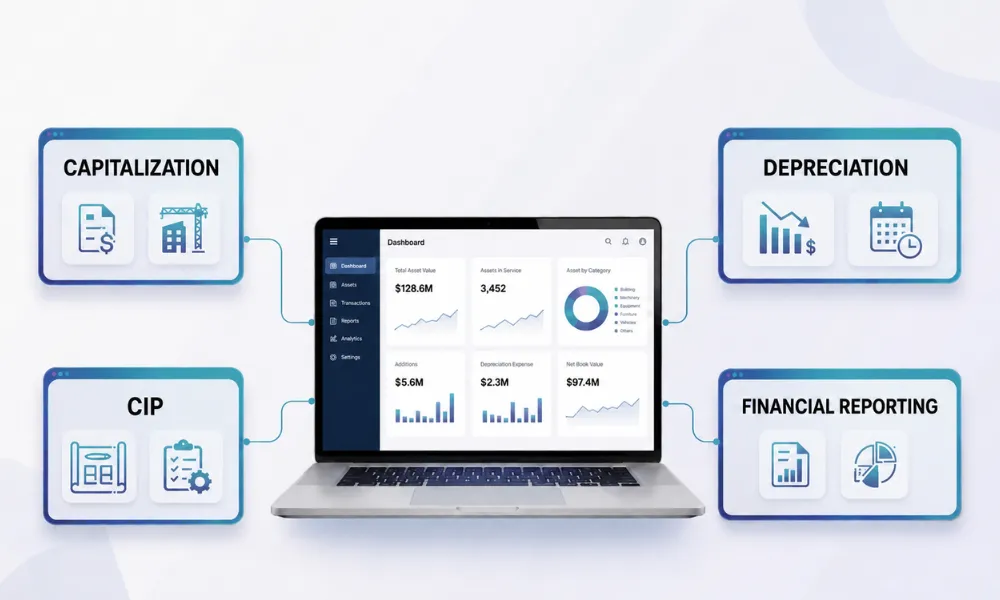
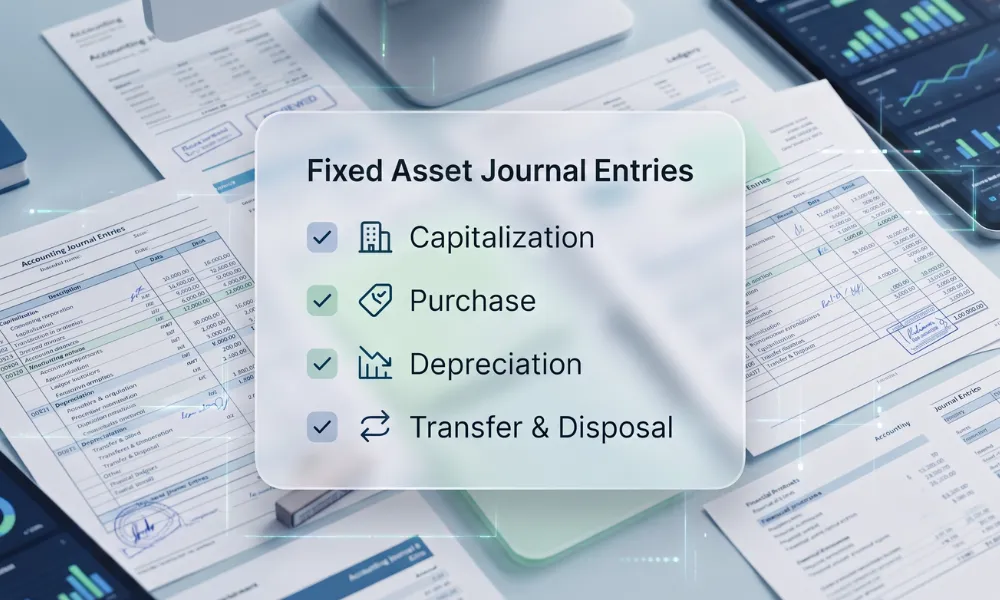
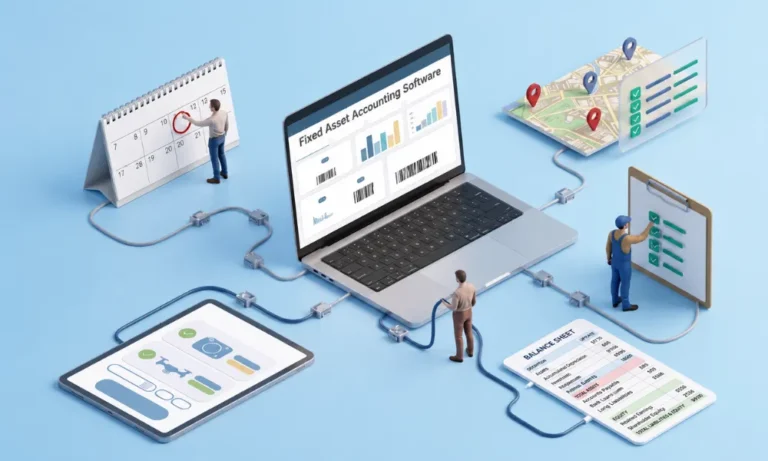
Fixed asset accounting software manages the financial record of long-term assets: capitalization, multi-book depreciation across tax and accounting frameworks, roll forwards, disposals and audit trails either as a standalone sub-ledger, an ERP module, or an augmentation layer that adds workflow control around an existing ERP or a broader fixed asset accounting process.
This guide gives you the category map first, then the feature requirements, a weighted scorecard, and the pricing questions vendors hope you skip.
In this guide, you will learn:
- What fixed asset accounting software does, how it differs from asset management software and ERP modules, and which solution best fits your business needs.
- How to evaluate fixed asset accounting software using essential features, weighted scorecards, integration requirements, and pricing considerations.
- Why workflow capabilities such as receipt control, readiness capture, evidence management, and exception handling are critical alongside accounting functionality.
- How to select the right fixed asset accounting solution through structured requirements, evidence-based evaluations, vendor comparisons, and implementation planning.
What fixed asset accounting software does
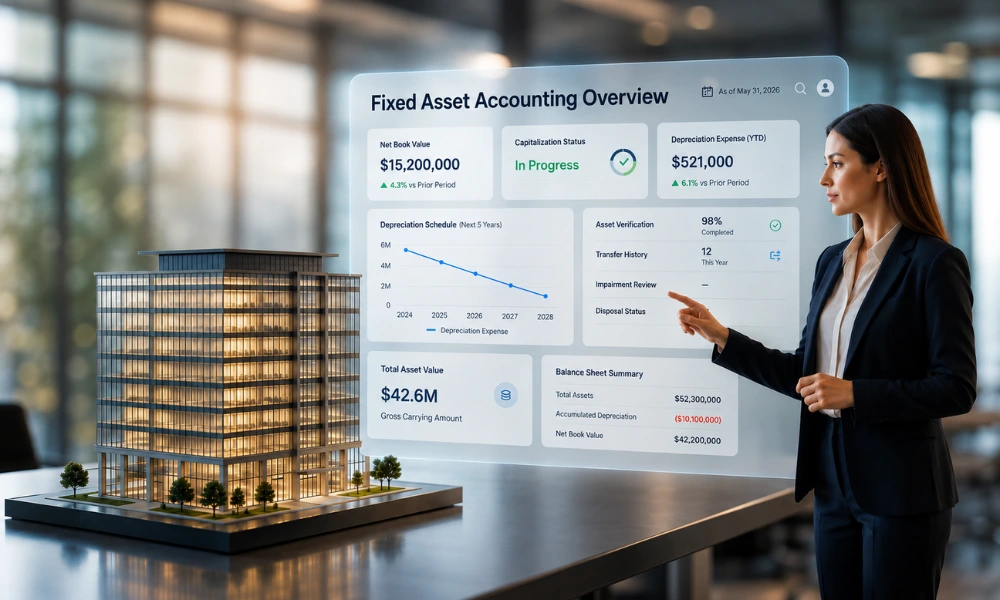
At its core, four jobs: hold the asset register as a financial sub-ledger, compute depreciation across parallel books, produce the close and audit schedules, and keep every change traceable.
The better systems add the workflow around those jobs: how an asset gets into the register correctly and on time, which is where most real-world pain actually lives.
Accounting software vs management software vs ERP module
The single most useful pre-purchase exercise is placing your problem in the right column:
Comparison Criteria |
Fixed Asset Accounting Software |
Fixed Asset Management Software |
ERP fixed asset module |
| Core job | The financial record: depreciation, multi-book, close schedules | The physical estate: tracking, tagging, verification, custody | Asset accounting inside the ERP suite |
| Typical buyer problem | Spreadsheet depreciation; tax-book complexity; no sub-ledger | Ghost assets; failed verifications; unknown custody | Already owned; question is what it leaves uncovered |
| Register based on | Financial transactions | Physical reality (scans, tags, photos) | Postings and masters |
| Weakness | Assumes the physical side is controlled | Not an accounting engine | Thin pre-capitalization workflow |
Which buying situation are you in?
Situation 1: No real sub-ledger
Depreciation lives in spreadsheets, or in a small-business ledger without asset depth. You need dedicated accounting software with a proper engine in the category where standalone specialists compete hardest.
Situation 2: Tax-book complexity
Multiple entities, multiple jurisdictions, book-tax differences at scale. Your evaluation weights the engine: methods, conventions, multi-book parallelism, and jurisdiction coverage. Tax-depreciation specialists dominate this segment.
Situation 3: The ERP is your sub-ledger and the workflow is the gap
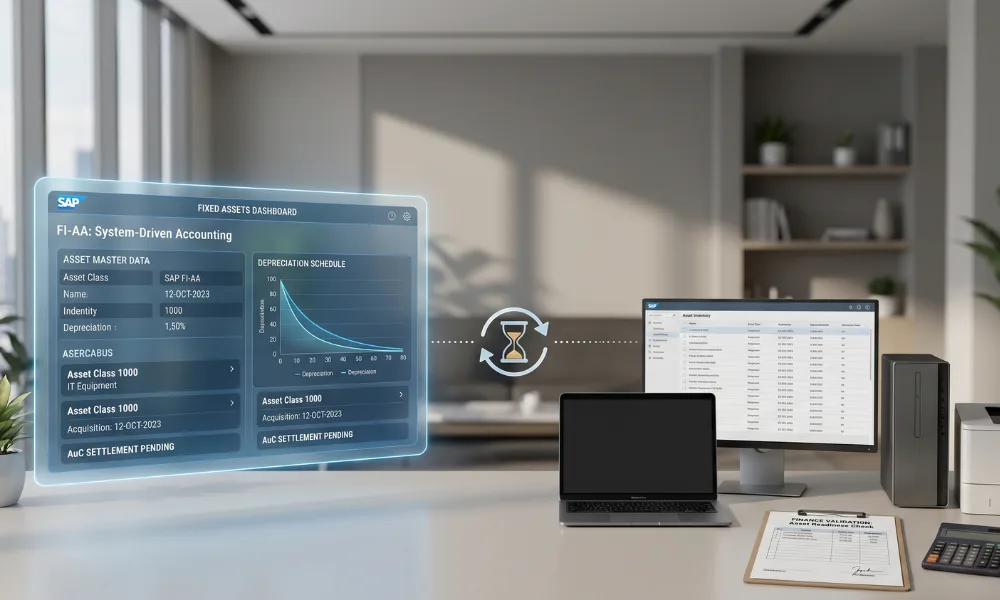
SAP or Oracle Fixed Assets already computes depreciation correctly. The findings are upstream: assets stuck before the register, receipts uncontrolled, evidence scattered, exceptions unowned. Replacing the ERP module solves none of that; an augmentation layer around it does.
Most enterprise evaluations that stall have mixed situation 2 and situation 3 shortlisting engines when the problem was workflow, or vice versa.
Must-have features: the RFP-ready list
Grouped as the scorecard groups them. These requirements can also help compare solutions consistently during the selection process.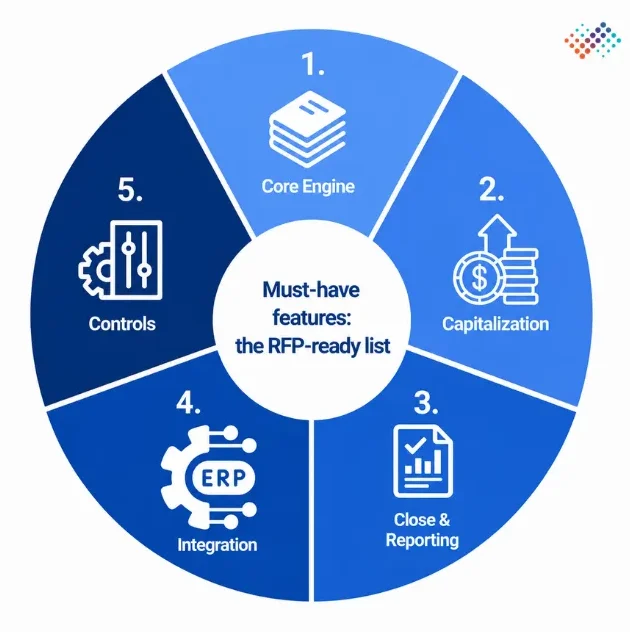
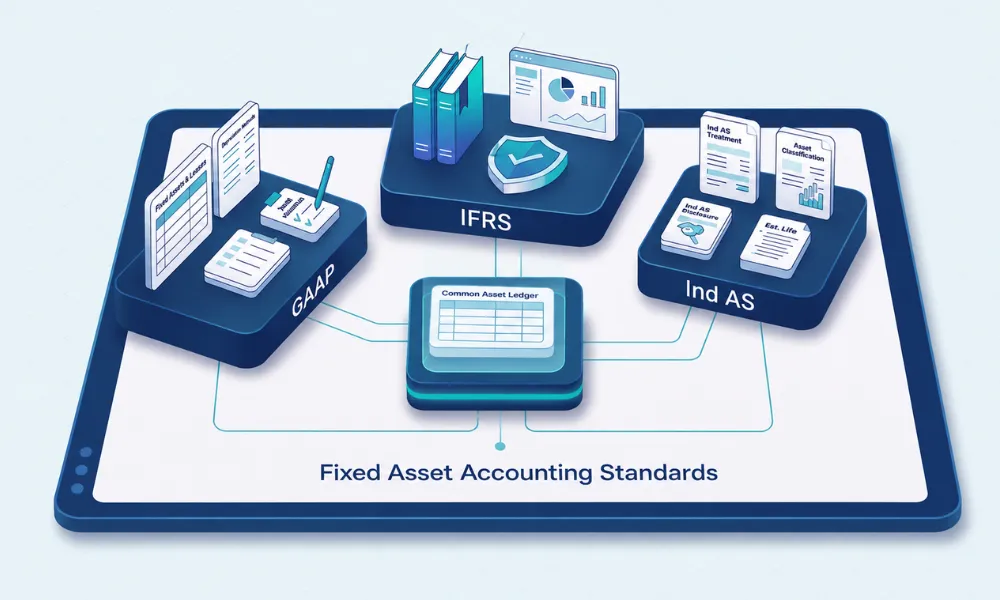
- Core engine: Parallel books (book, tax, IFRS, local GAAP) computed simultaneously; method and convention coverage for every jurisdiction you file in; component accounting and partial disposals; recalculations that leave an audit trail under the appropriate accounting standard for fixed asset.
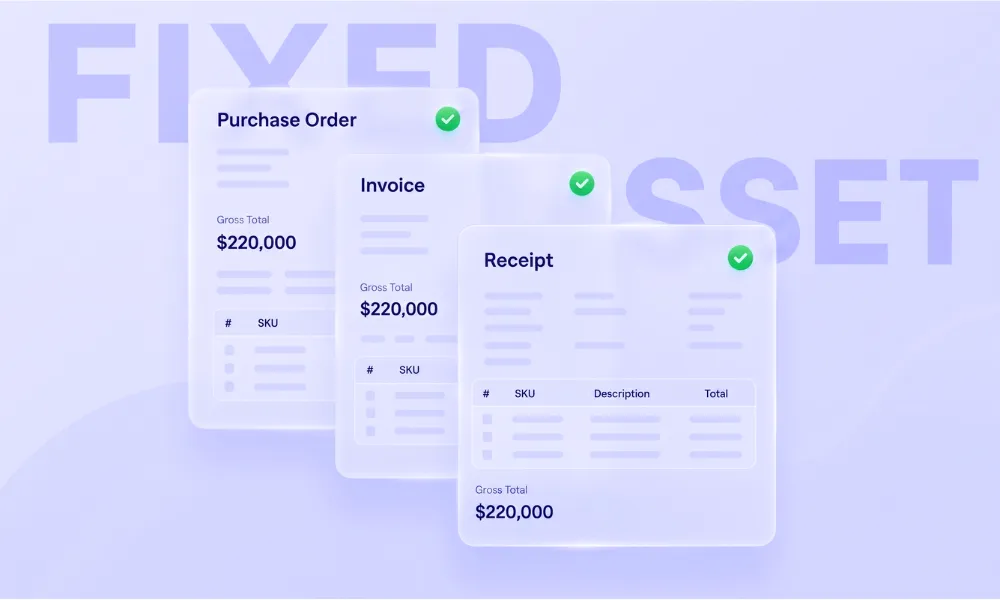
- Capitalization workflow: CapEx PO and receipt visibility feeding classified asset candidates; ready-for-use capture with evidence; CWIP/AuC lineage with partial capitalization; asset capitalization entry rules applied consistently.
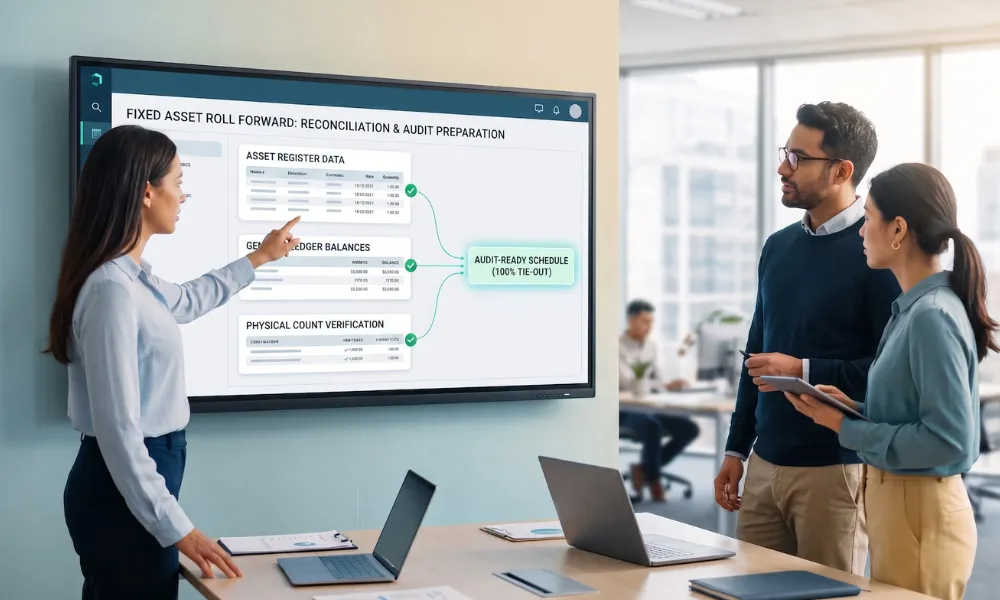
- Close and reporting: A roll forward that ties to the GL; register-ledger-physical reconciliation support; disclosure outputs for your framework.
- Integration: Sync depth for your specific ERP (masters, postings, reconciliation, not just a file import); real APIs; multi-entity and multi-currency.
- Controls: Immutable audit trail; maker-checker approvals; evidence held against transactions; exception queues with owners, ageing and escalation.
The second and fifth groups deserve more weight than buyers give them. Depreciation engines have converged; receipt control, readiness capture, evidence and exception ownership are where products genuinely differ and where audit findings actually originate.
The evaluation scorecard: weight, then score
Sequence matters. Set weights before the first demo; weights set afterwards drift toward whichever demo was most charming.
Our downloadable scorecard implements this: Twenty criteria in the five groups above, weights you set (checked to total 100), and three option columns scored 1–5 against demo evidence. The example scores show an ERP module’s typical profile: strong engine, weak workflow.
Score from evidence: make the vendor show the fixed asset roll forward tying out, the exception queue ageing, and the evidence attached to a real capitalization case. A criterion no demo can evidence scores 1, whatever the brochure says.
Pricing questions to ask every vendor
- What drives the price: assets, users, entities, sites and what happens at our five-year projected scale?
- What does implementation cost, who does it, and what does the fixed-fee scope exclude?
- Is data migration from our current register priced, and who cleans the data it reveals?
- Which integrations are standard versus billable custom work for our ERP version specifically?
- What do support tiers actually include, and where does the implementation team hand off to?
- Which of the features demoed are in the tier quoted, and which are add-ons?
- What are the exit terms: data export format, notice period, final-year pricing?
When you also need services, not just software
Software presumes a register worth automating. If the current register is years stale, assets missing, ghosts depreciating, and no componentization, the first project is rebuilding it, and that is a service, not a feature.
Teams evaluating outsourced or serviced approaches to fixed asset accounting usually need exactly that starting point: a verified, reconciled register. That is what asset register services deliver, after which the software question gets much easier to answer.
Where AssetCues fits and where it doesn’t
Honesty first: AssetCues is not a depreciation engine, and this guide will not pretend otherwise. If you are in situation 1 or 2, evaluate the standalone and tax-specialist category on the scorecard that is their ground.
AssetCues is built for situation 3. Your ERP stays the sub-ledger and book of record; AssetCues adds the pre-capitalization control layer: a controlled record from physical receipt, serials and custody at source, readiness captured with evidence, the receipt-GRN in accounts payable-invoice-asset chain kept linked, and exceptions in owned queues with escalation.
Scored on the scorecard, that profile is the mirror image of the ERP example: the workflow and controls groups carry it. If your findings sound like aged CWIP, late capitalization and audit archaeology rather than wrong depreciation.
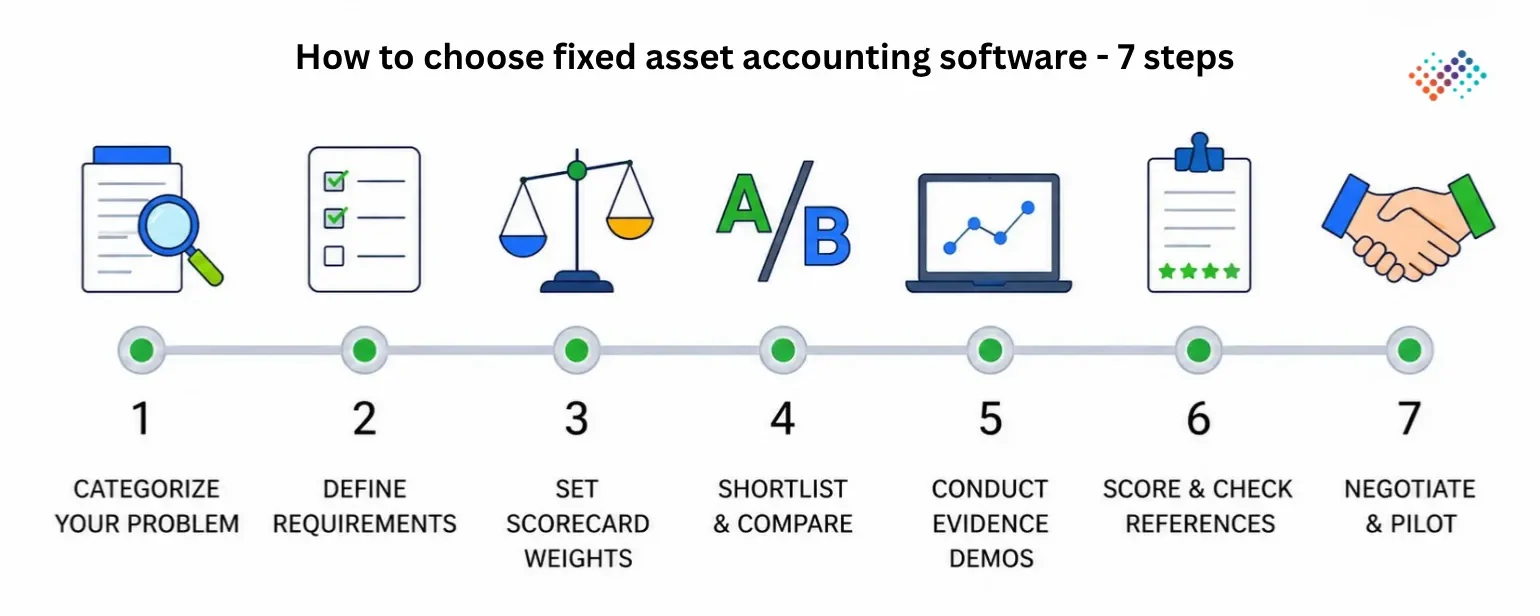
How to choose fixed asset accounting software: 7 steps
- Start by identifying your buying situation and the software category that matches it.
- Write requirements from your findings from last year’s audit points, and close pain, not a feature wishlist.
- Set scorecard weights with finance, IT and internal audit in the room, before any demo.
- Shortlist three options within the right category, including your ERP-native baseline as one column.
- Run evidence-based demos on your scenarios: your PO data, your project structure, your close calendar.
- Score, then reference-check the winner with a customer of your size, industry and ERP.
- Negotiate with the pricing questions answered in writing, and pilot on one site or entity before rollout.
Key takeaways
- Three categories answer three different problems: accounting software runs the numbers, management software controls the physical estate, and ERP modules do the accounting inside your ERP.
- Your buying situation no sub-ledger, tax complexity, or ERP-with-workflow-gaps decides the category before any feature list matters.
- The strongest evaluations weight criteria before demos, then score demos against evidence, not brochures.
- Workflow criteria receipt control, readiness capture, evidence, exceptions separate lookalike tools faster than depreciation features do.
- Pricing models differ more than prices: per-asset, per-user, per-entity and implementation scope change the five-year math.
Conclusion
Choosing the right fixed asset accounting software starts with understanding whether your challenge is the accounting engine, the operational workflow, or both. The best fixed asset accounting software are the ones that match your business requirements, integrates with your existing ERP, and provides the controls needed for accurate financial reporting, compliance, and audit readiness.
If your ERP module is fed clean, timely, evidenced data by a disciplined process, ERP-native may genuinely be enough; the gap products close is workflow, and a workflow you already control does not need buying twice. Run the scorecard honestly before concluding you need anything.
FAQs on fixed asset accounting software
Q1. What is the best fixed asset accounting solution?
Ans: The best fixed asset accounting solution depends on your buying situation: standalone accounting software for teams without a sub-ledger, tax-depreciation specialists for multi-jurisdiction book-tax complexity, and an ERP augmentation layer like AssetCues when the ERP is already the sub-ledger but the pre-capitalization workflow is the gap. A weighted scorecard against your own criteria beats any universal ranking.
Q2. Do I need fixed asset software if I already use an ERP?
Ans: If your ERP’s fixed asset module is fed clean and timely data, it handles the accounting well; the question is who controls the workflow before the asset exists: receipt, readiness, evidence and exceptions. That gap is closed either by process discipline or by an augmentation layer, not by replacing the ERP module.
Q3. What does fixed asset accounting software cost?
Ans: Pricing models vary more than prices: per-asset, per-user and per-entity models suit different profiles, and implementation, migration and integration often exceed the first year’s subscription. Model five-year total cost at your projected scale, with the seven pricing questions in this guide answered in writing.
Q4. Should I buy a standalone fixed asset accounting module or use my ERP’s?
Ans: Standalone modules win when you need engine depth the ERP lacks jurisdiction coverage, multi-book flexibility or when no capable ERP module exists. The ERP module wins when integration and a single book of record matter most; an augmentation layer complements it when the workflow, not the engine, is the gap.