


Introduction
You cannot protect what you do not know you have. That single idea is why ISO 27001 asks every organisation to keep an information asset register. If you are preparing for certification, or an enterprise customer has asked whether you track the assets that hold their data, this guide explains what the register is, what Annex A 5.9 expects, and how to keep it audit-ready.
An information asset register is a maintained inventory of an organisation’s information and the assets that store, process, or transmit it, each with a named owner and a security classification. Organisations that also manage physical assets apply the same principle through an asset registry, covering unique IDs, location, ownership, and status for every long-term asset the business owns.
In this guide, you will learn:
- What an information asset register is, how it differs from IT and fixed asset registers, and what ISO 27001:2022 Annex A 5.9 requires.
- The essential fields, ownership requirements, and CIA (Confidentiality, Integrity, Availability) classification are needed to build and maintain an audit-ready register.
- How to identify and classify information assets across on-premises systems, cloud services, SaaS applications, and shadow IT, and keep the register accurate over time.
- How to align the information asset register with your IT asset register, CMDB, and fixed asset register to strengthen compliance, reduce security gaps, and support ISO 27001 audits.
What is an information asset register?
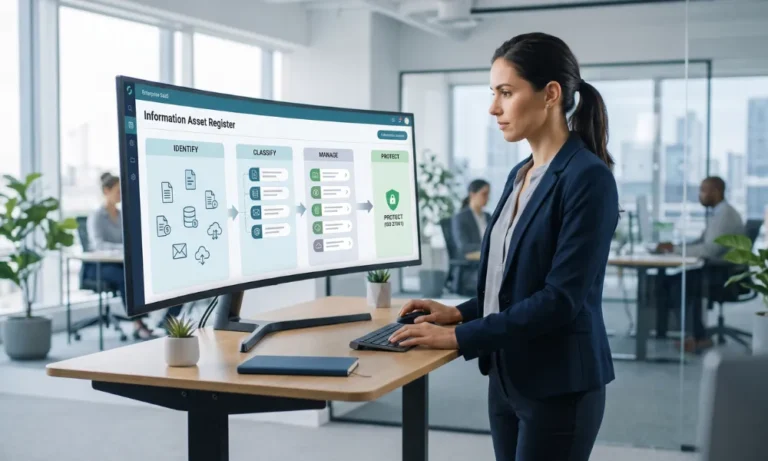
An information asset register, sometimes called an information asset inventory, is a maintained list of the information your organisation depends on and the assets that store, process, or transmit it. Each entry names a person or role who owns the asset and records how sensitive it is.
It is the foundation of an Information Security Management System (ISMS) because every other security decision, risk assessment, access control, and incident response depends on knowing what you have and who is responsible for it.
It helps to separate it from the two registers people often confuse it with:
- An IT asset register lists hardware and software.
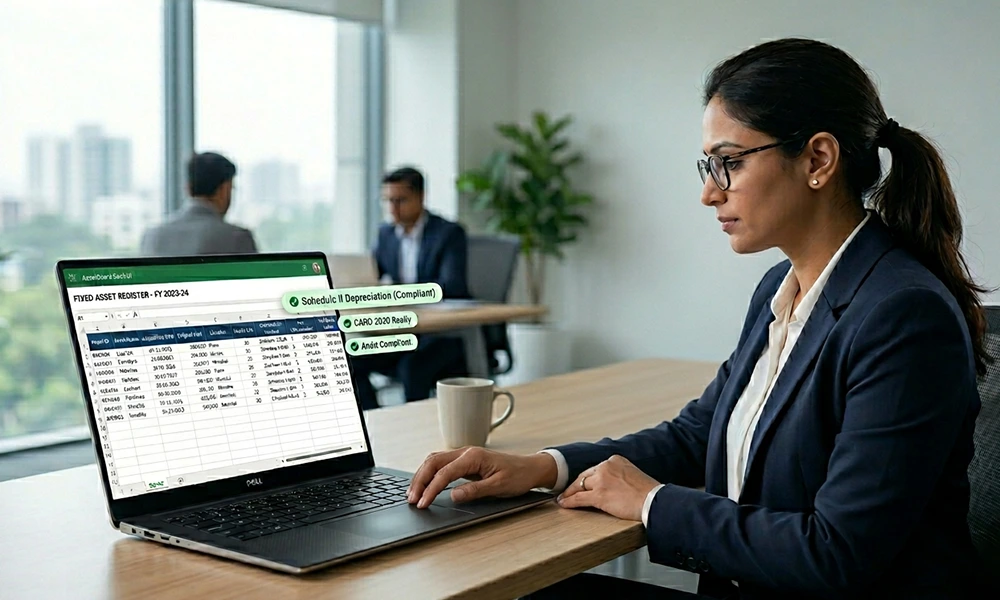
- A fixed asset register lists capital assets for finance and depreciation.
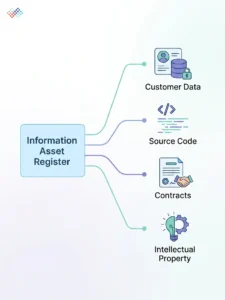
An information asset register is different. It lists the information itself, customer data, source code, contracts, intellectual property, and the things that hold it, classified by how much it matters. The same laptop can appear in all three registers, viewed three different ways.
What ISO 27001 Annex A 5.9 requires
ISO/IEC 27001:2022 sets out the requirement in Annex A, control 5.9, “Inventory of information and other associated assets.” The control text is short: “An inventory of information and other associated assets, including owners, shall be developed and maintained.”
In the 2022 version of the standard, this control combines two controls from the 2013 version: the old A.8.1.1 (inventory of assets) and A.8.1.2 (ownership of assets). If you are certified under the 2013 standard, the transition window to 2022 closed at the end of October 2025, so 2022 is now the version auditors apply.
Three things matter for compliance. First, the inventory must be reasonably complete and current. Second, every asset must have an identified owner who is accountable for it. Third, the register is the foundation for related controls, including 5.12 (classification of information), 5.10 (acceptable use), and 5.11 (return of assets).
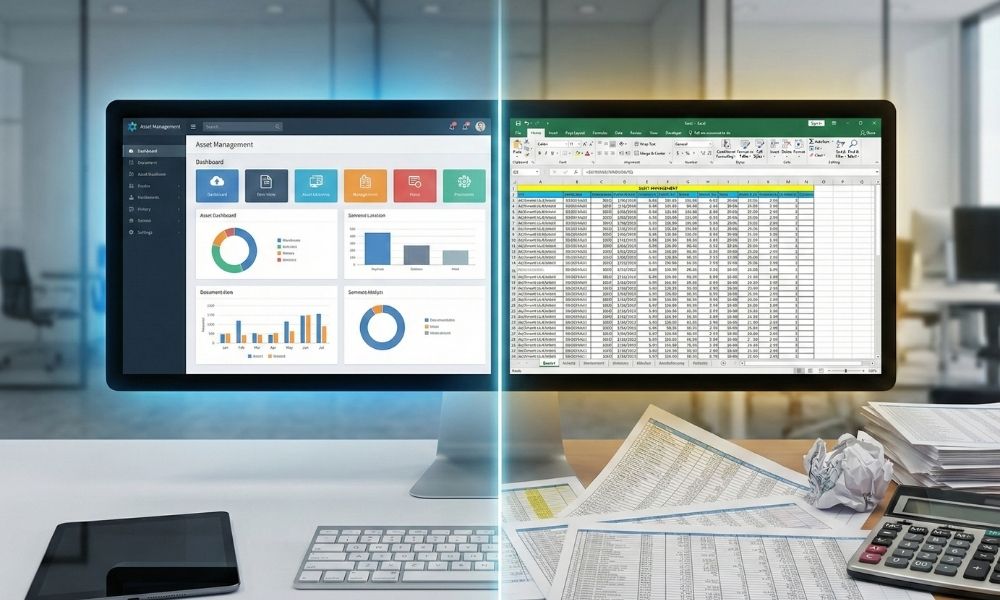
The standard does not dictate a single tool or format; the outcome matters more than the template, but auditors do expect a living register, not a one-off spreadsheet export. If your team is still on a spreadsheet, understanding when an asset register system becomes necessary covers exactly why a spreadsheet drifts out of date and where the gaps in controls and audit trails start to matter.
One device, three views: finance, IT, and security
Here is the point most ISMS guides miss. A single laptop is not one record; it is three, in three different registers, each owned by a different team:
View |
Register |
What it tracks |
Owned by |
|---|---|---|---|
| Finance | Fixed asset register | Cost, depreciation, net book value | Finance |
| IT/service | CMDB / ITAM | Configuration, relationships, status | IT |
| Security | Information asset register | Information held, classification, owner | ISMS/security |
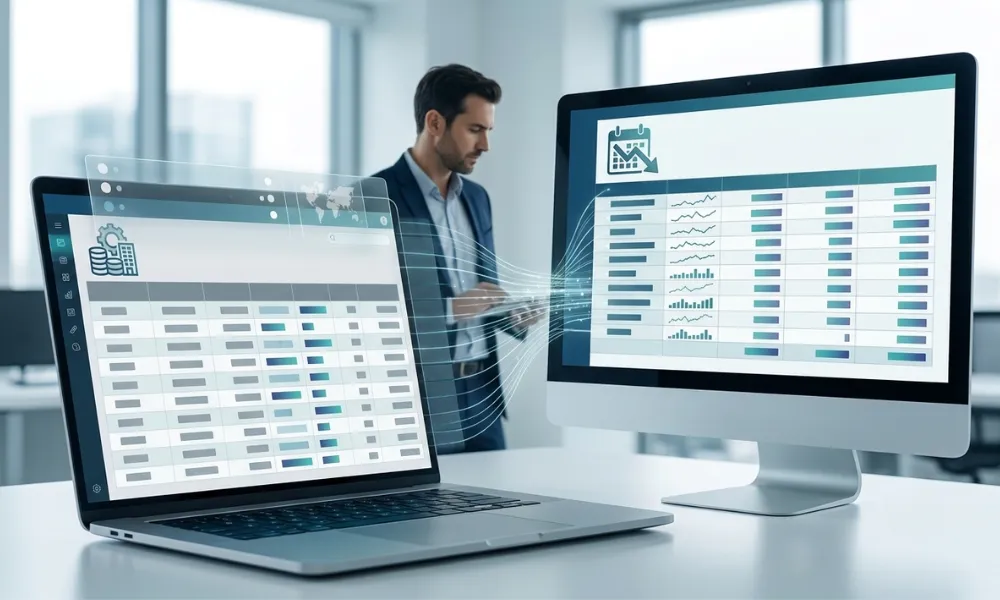
It is the same physical device, so the three records should agree on what it is, where it is, and who holds it. When they drift apart, finance shows it active, IT shows it retired, security never lists it, and you get blind spots that auditors and attackers both find. A CMDB is often used to populate the technical parts of the information asset register, while the fixed asset register anchors the finance view. Keeping the three reconciled is far easier than chasing three separate spreadsheets.
What to include in an information asset register
ISO 27001 does not prescribe exact fields, but auditors expect enough to identify, own, and protect each asset. A practical set:
Field |
What to record |
|---|---|
| Asset ID | A unique reference for the asset |
| Name and type | What it is: database, file store, application, laptop, SaaS service, paper records |
| Information or associated asset | Whether this is the information itself, or the thing that holds it |
| Owner | A named person or role accountable for the asset |
| Custodian | Who manages it day to day |
| Classification (C-I-A) | Confidentiality, integrity, and availability ratings |
| Location/storage | Where it lives: data centre, cloud region, office, device |
| Access | Who can access it, and what access controls are in place |
| Linked systems/processes | The business processes and systems that use it |
| Retention and disposal | How long it is kept, and how it is securely disposed of |
| Value/risk | Business impact if it is lost, exposed or altered |
| Status and last review | Current status and the date it was last reviewed |
Start with the assets that matter most to the business, not an exhaustive count of every device. A register that is useful and current beats one that is complete but stale.
Classifying information assets (C-I-A)
Classification is what turns a list into a tool for protection, and it is the basis for Annex A 5.12. Rate each asset on three dimensions:
Dimension |
The question it answers |
Example levels |
|---|---|---|
| Confidentiality | How much harm would it cause if it were disclosed? | Public / Internal / Confidential / Restricted |
| Integrity | How much harm would it cause if it were altered or wrong? | Low / Medium / High |
| Availability | How much harm would it cause if it were unavailable? | Low / Medium / High |
The classification then drives the controls: A “Restricted, High” customer database needs stronger access control, encryption, and backup than an “Internal, Low” meeting-room booking sheet. Record the rating in the register so the link between the asset and its controls is clear.
Cloud, SaaS, and shadow IT
Modern organisations hold most of their information off-premises, so a register that only counts physical devices misses the point. Make sure you capture:
- Cloud storage (object stores, drives) and the data inside it.
- SaaS subscriptions and the data they hold, CRM, HR, finance, and support tools.
- Source code repositories and the CI/CD systems that build and deploy.
- Databases, data warehouses, and backups.
- API keys and secrets: treat these as high-criticality information assets.
- Endpoints (laptops, phones) and removable media.
- Paper records and physical files still hold sensitive information.
- Shadow IT tools are tools that a team adopted without IT’s knowledge; reviews are how you catch these.
How to build and maintain an information asset register
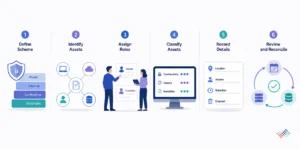
You can start simply and grow it. Follow these six steps.
- Define your classification scheme: Agree on a small set of levels for confidentiality (for example, public, internal, confidential, restricted) and a scale for integrity and availability.
- Identify your assets: List the information that matters, then the associated assets that store, process or transmit it: hardware, software, cloud, people, and paper. Work through one business area at a time.
- Assign an owner and a custodian: Give every asset a named owner who is accountable, and a custodian who runs it day to day. Never leave ownership as “IT.”
- Classify each asset: Rate it for confidentiality, integrity, and availability, and record the rating.
- Record location, access, retention, and disposal: Note where it lives, who can reach it, how long it is kept, and how it is disposed of.
- Review and reconcile: Review on a schedule at least annually, and often quarterly in fast-moving environments, and reconcile with your fixed asset register and CMDB so the three views agree.
What an auditor will check
An ISO 27001 assessor tests whether the register is real and used, not just present. Expect them to look for:
- A current register that matches reality: They may pick an asset they can see, a laptop, a server, and check it is listed correctly.
- A named owner for every asset: “Owned by IT” or a person who left the company is a red flag.
- Classification applied and used: Ratings should drive the controls, not just sit in a column.
- Cloud, SaaS, and shadow IT captured: Missing SaaS and orphaned cloud resources are common findings.
- Reviews on schedule, with evidence: Owner attestations and a record of changes show a living process.
- Disposed assets removed: Disposal should be recorded, and the asset taken off the active register.
Key takeaways
- It is mandatory for ISO 27001: Annex A 5.9 requires an inventory of information and associated assets, including owners.
- Information first: It covers the data itself, not just the laptops and servers that hold it.
- Every asset needs an owner: A named person or role, never just “IT department.”
- Classify by C-I-A: Rate each asset for confidentiality, integrity, and availability to drive the right controls.
- Reconcile your registers: The same device sits in finance (FAR), IT (CMDB), and security registers, keeping the three consistent.
Conclusion
An Information asset register provides the foundation for effective information security by identifying what the organisation needs to protect and who is responsible for it. By maintaining accurate ownership, classification, and criticality details, teams can apply appropriate controls and support ISO 27001:2022 compliance.
Moreover, linking the Information asset register with IT and fixed asset records helps keep information current as systems and assets change. For fixed assets specifically, a well-maintained depreciation register ensures the right inputs are captured so depreciation calculations stay correct as assets change over time. Regular reviews ensure the register remains a practical tool for managing risk rather than a document maintained only for audits.

Frequently asked questions
Q1: What is the difference between an information asset register and an IT asset register?
Ans: An IT asset register lists hardware and software. An information asset register lists the information itself — data, source code, intellectual property — and the assets that hold it, classified by security value. The same laptop can appear in both, viewed differently.
Q2: How do you classify information assets?
Ans: Rate each asset on three dimensions — confidentiality, integrity, and availability — using a small set of levels (for example, public, internal, confidential, restricted). The classification then drives the controls each asset needs.
Q3: How often should an information asset register be reviewed?
Ans: At least once a year, and on any major change such as a new system, a reorganisation or a decommissioning. Fast-moving organisations often review quarterly to keep up with SaaS and staff changes.
Q4: Can an information asset register reconcile with the finance asset register?
Ans: Yes, and it should where the same physical assets appear in both. A laptop is a financial asset (cost and depreciation), a configuration item (in the CMDB), and an information asset (data classification). Keeping the three views consistent removes blind spots and saves duplicated effort.